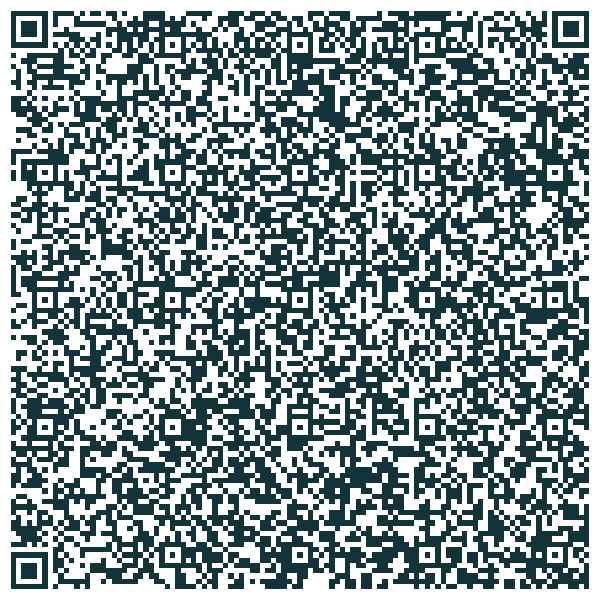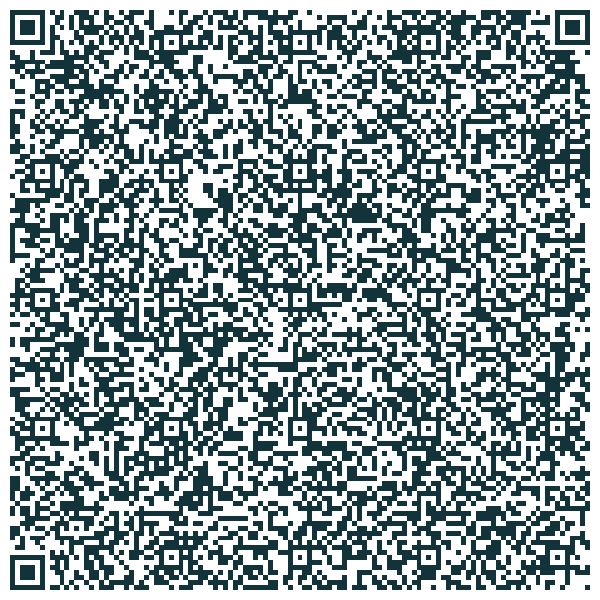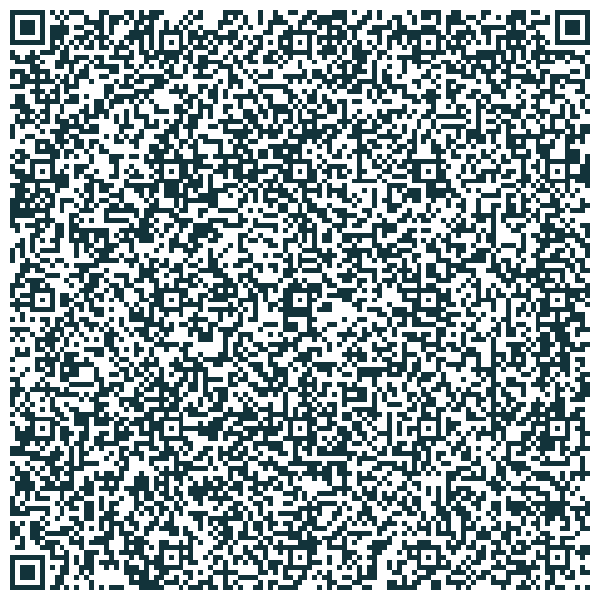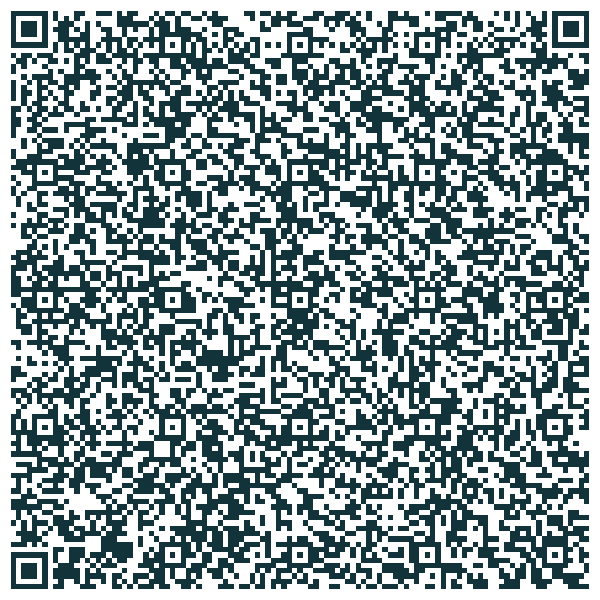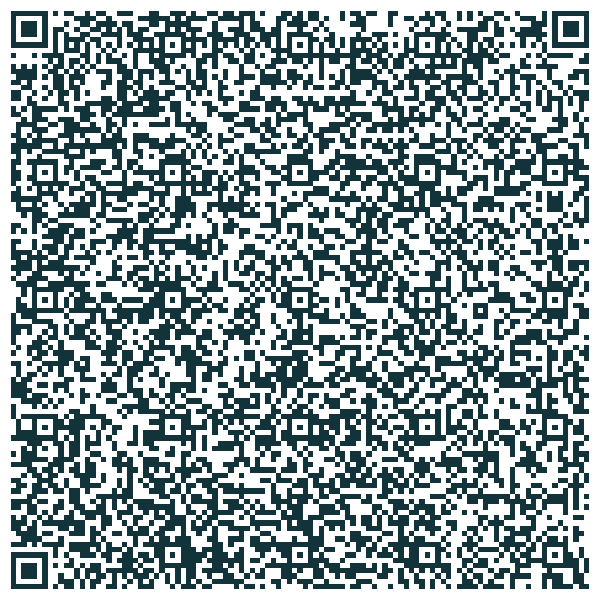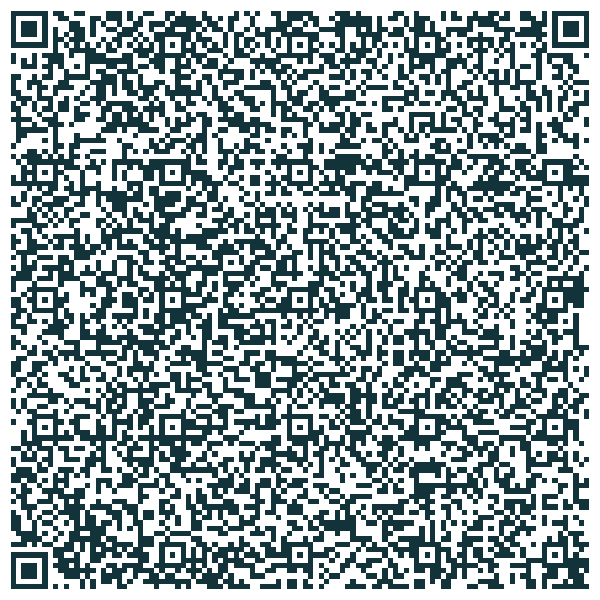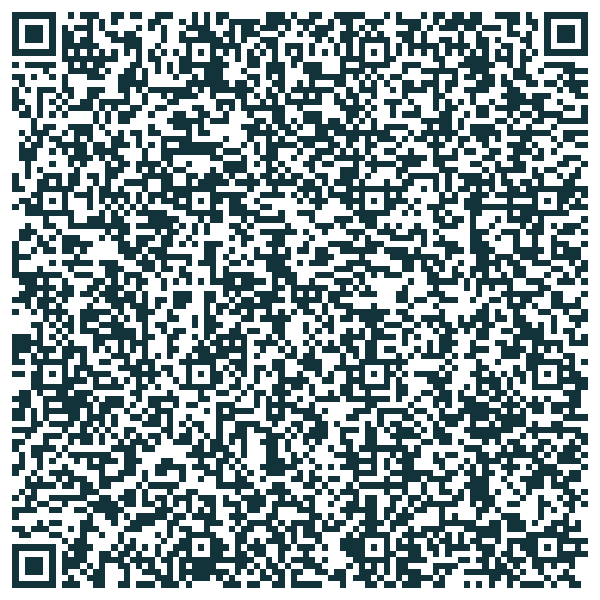
Ready-to-use templates, free, plus your own without limit. Filter by trade or by purpose below, then scan. Each template is imported by scanning it from the ClicInSitu app (⋮ menu → My templates → Scan a template QR code) — not with the phone's camera app. QR import is free, in every plan. A manager can equip a worker's phone in one scan.
Reading this page on your phone? Click “Open on this phone” under the template: ClicInSitu opens and shows you the template, click Import. Without the app, the button downloads the template file, to open once ClicInSitu is installed. Free, no account.
The two filters combine. The same template often serves several trades — it then appears under each one. Every template is available to everyone, free of charge, and can be freely edited once installed.
Emails are set up to be sent to yourself: you can change the recipient in the app once the template is installed.
The all-purpose template: one description for the whole send, one observation per photo, and you're done. For any trade, any situation.
Job site progress sent the same day to the project manager, backed by geotagged photos.
Measurements taken on site, item by item, with a photo for each. The quote gets prepared back at the office without a return visit.
Vineyards and crops: the geotagged plot, the variety or crop, observations photo by photo — sent from where you made the observation, with its location.
Frost, hail, pests, wildlife: the plot, the cause and the share of area affected, backed by photos, sent right from the row.
Found damage at a customer's site? Document it for your insurer before you step in: photos dated, located, and referenced.
Room by room, at move-in as well as move-out. For the tradesperson or property manager who wants a dated record.
After cleaning, before the guest arrives. "OK" is pre-checked: when everything is fine, there is nothing to enter. Photos are only taken when there is an anomaly, where they are useful.
The standard service report: what was done, what's left to do, and for whom. Invoicing no longer waits.
A photo of the meter, the reading entered, the date filled in automatically. Sent before you're even back up from the cellar — or as soon as signal returns.
Issues logged photo by photo, compliance decided on the spot. With Pro, the customer signs on screen and the signed PDF goes out with the send, to each of its recipients.
Damage photographed while the driver is still waiting. The delivery note number and the parcel number are scanned — barcode or QR — and stay editable by keyboard if the label is torn.
Every issue photographed, rated by risk level, sent to the site manager on the spot.
Pothole, lighting, illegal dumping, damaged street furniture: the type is picked from a list, so it's sortable on arrival — and the GPS link points to the exact location, not just the neighbourhood.
The receipt photographed, the expense type and amount entered on the spot. No GPS: a restaurant receipt has no reason to carry your location.
Water damage, fire, burglary: all the photos and information straight into your insurer's inbox, in a single send.
All the photos of the item sent to the buyer — condition, price — without giving out your phone number. And no GPS: a stranger has no reason to receive your home's location.
Full-quality, print-ready photos, sent to the whole family, with a voice memo to share your impressions — no group chat needed, and no splitting them across several emails: the app does it for you. Recipients are set once and for all in the template.
A photo of where you parked, sent straight to yourself: the GPS link and the spot (level, row, post) land in your inbox, timestamped to the minute. When you come back, you find your car easily.
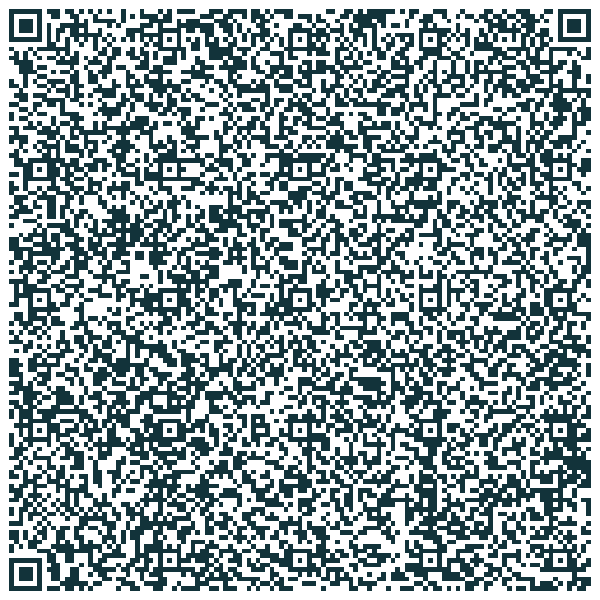
Feedback, a question, a bug: your message goes straight to the team that builds the app — with a screenshot, a voice memo, a file, or nothing at all. The app version and the phone model are added automatically, and you get a copy. No GPS: your location is none of our business.
 Enlarge
Also in the app, no scan needed: My templates → New template → "I talk to the ClicInSitu team".
Whatever the template, photos can be annotated before sending — an arrow, a circle, a word: the damage circled, the defect pointed out. With Pro; markups remain editable until you send.
Start from a template above and adapt it, or click "Create my own in 4 questions" in the app: your template is built with nothing to configure (or start from scratch with all the settings). Or for a template designed, tested and rolled out with you: the "Turnkey template" pack (€490–990 excl. VAT).
In the ClicInSitu app: click the ⋮ menu, then My templates → Scan a template QR code, then point at the QR code. It can come from this page, shown on a computer (click "Enlarge" to display it full size), or from another phone's screen: with Pro, My templates → QR code button of the template to share. The app shows you the template: click Import and it is installed, with no account and no connection to any service. On the phone itself, no need to scan: the “Open on this phone” button under each template opens it straight in the app.