
The damage photographed while the driver is still waiting, delivery note and parcel scanned.
Damage photographed while the driver is still waiting. The delivery note number and the parcel number are scanned — barcode or QR — and stay editable by keyboard if the label is torn.
The position and time go out with every photo. A PDF report of the whole send is attached automatically (Pro feature).
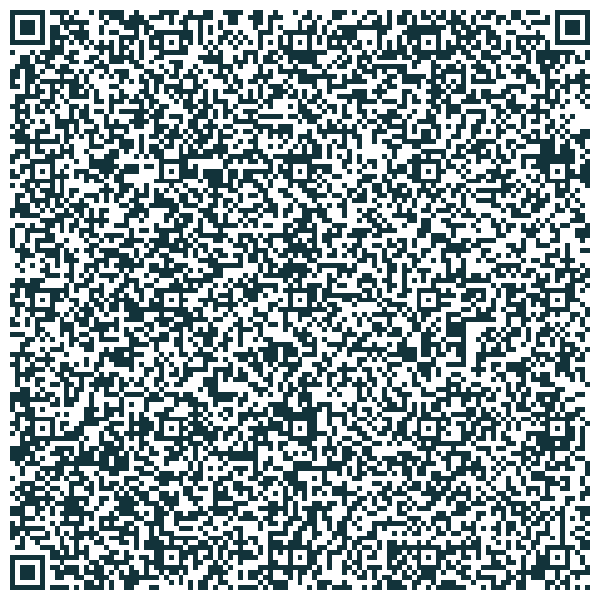 Enlarge the QR code
Open ClicInSitu, click the ⋮ menu, then My templates → Scan a template QR code, and point at this square. The template is in place, configured, ready to use. Free, no account.
Open on this phoneReading this page on your phone? Click the button, then open the file with ClicInSitu. Free, no account.
The text below is not a layout: it is the message as the app composes it, from the template's own fields. The same one, every time.
What landed in the inbox: the email · the PDF report — fictitious data.